If you’ve ever stared at a shelf of PoE switches, feeling overwhelmed by terms like “802.3af” and “power budget,” you’re not alone. I’ve been there—early in my career, I helped a small retail store install a security camera system, only to watch half the cameras reboot randomly because I picked the wrong PoE switch. That mistake cost us hours of rework and a frustrated client, and it’s stuck with me ever since. Today, I’m sharing everything I’ve learned over a decade in networking to help you avoid the same pitfalls how to choose the right PoE switch for your network, no jargon overload, no guesswork, just practical advice that actually works.
First, let’s get back to basics—what even is a PoE switch, and why does choosing the right one matter Put simply, a PoE (Power over Ethernet) switch does two jobs in one it transmits data to your devices (like IP cameras, wireless APs, or VoIP phones) and powers them through the same Ethernet cable. That means no extra power cords, no messy wiring, and more flexibility in where you place your devices. But here’s the catch not all PoE switches are created equal. Pick one that’s too weak, and your devices will fail; pick one that’s overkill, and you’re wasting money. The sweet spot lies in understanding your network’s unique needs—and that’s where I come in.
Start with Your Devices The Non-Negotiable First Step
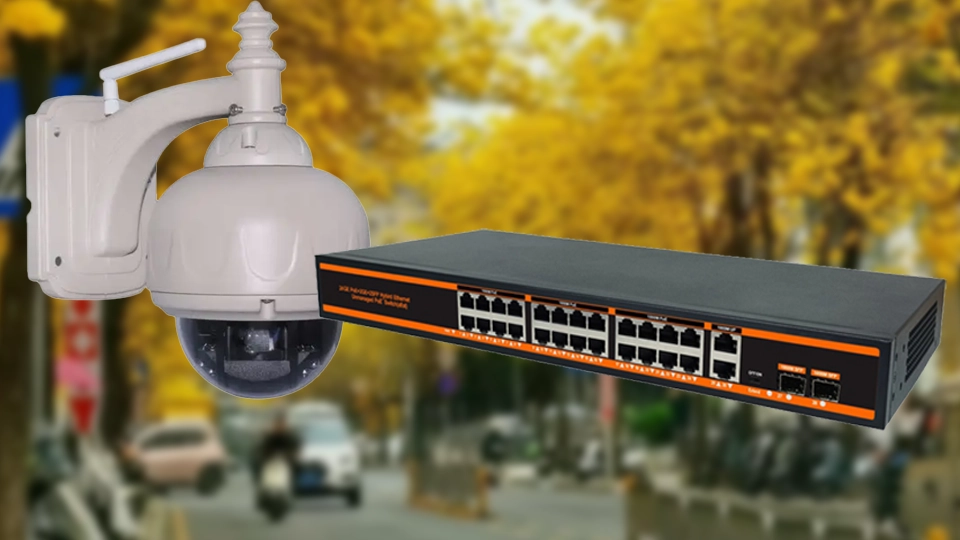
Every time I help someone choose a PoE switch, I start with one question What devices are you connecting This isn’t just a casual ask—it’s the foundation of your entire decision. Let me break it down with a story last year, a friend who runs a small warehouse called me, panicking because his new PTZ security cameras kept shutting down. He’d bought a cheap PoE switch, assuming “PoE is PoE.” But PTZ cameras (the ones that pan, tilt, and zoom) need more power than a basic IP camera—they have motors, infrared lights, and other features that drain energy faster. His switch only supported the 802.3af standard (15.4W per port), but his cameras needed 802.3at (30W per port). That mismatch was the problem.
So, step one List all your PoE-enabled devices and check their power requirements. Here’s a quick cheat sheet to save you time (I keep this taped to my desk)
- Basic IP cameras, VoIP phones, small wireless APs 802.3af (up to 15.4W per port)
- PTZ cameras, Wi-Fi 6 APs, video phones 802.3at (up to 30W per port, often called PoE+)
- High-power devices (like outdoor LED lights, industrial sensors, or advanced PTZ cameras) 802.3bt (up to 90W per port, known as PoE++)
Pro tip Even if all your current devices use 802.3af, leave room for growth. I once worked with a café that started with 4 basic cameras, only to add 6 more (plus Wi-Fi 6 APs) a year later. Their original switch couldn’t handle the upgrade, and they had to replace it entirely. Spend a little extra upfront to get a switch that supports the next power standard—you’ll thank yourself later.
Calculate Your Power Budget (Don’t Guess—Do the Math)
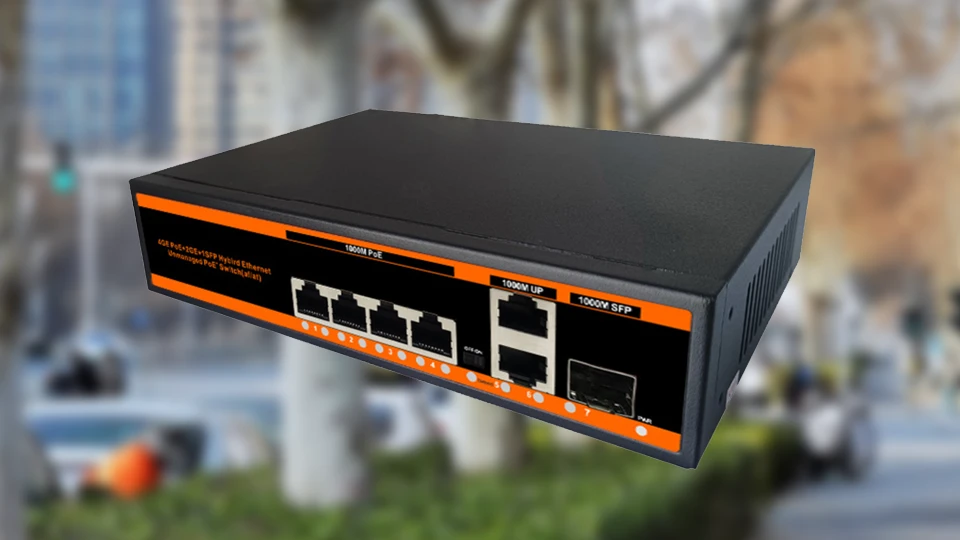
This is where most people go wrong, and I get it—math isn’t everyone’s favorite. But your PoE switch’s power budget (the total power it can supply to all PoE ports combined) is non-negotiable. If you exceed it, devices will shut down, reboot, or perform poorly. Let’s make this simple with an example
Suppose you have 8 IP cameras (each 15W, 802.3af) and 2 Wi-Fi 6 APs (each 30W, 802.3at). Total power needed = (8 x 15) + (2 x 30) = 120 + 60 = 180W. That means you need a switch with a power budget of at least 180W—but wait, add 20-30% extra for safety. Why Because devices don’t always use their maximum power, but spikes happen (like when a PTZ camera tilts suddenly or an AP handles a lot of connections). I recommend a 220-240W power budget for this setup to avoid issues.
I learned this the hard way early on. I once calculated the exact power needed for a client’s office (120W) and picked a 120W switch. Everything worked fine—until they added a single VoIP phone (5W) and the whole system crashed. That 5W spike pushed it over the edge. Now, I never skip the 20-30% buffer—it’s a small detail that saves big headaches.
Port Count More Than Just “How Many Devices”
Port count is another common pain point. It’s easy to think, “I have 10 devices, so I need a 10-port switch.” But that’s a mistake. You need to account for uplink ports (to connect to your router or other switches) and future expansion. Let’s say you have 8 PoE devices—don’t get an 8-port PoE switch. Get a 12-port or 16-port switch instead. The extra ports give you room to add devices later, and you’ll need at least one uplink port (preferably two, for redundancy) to connect to your main network.
I recently worked with a school that needed to install 12 IP cameras in their hallways. They initially wanted a 12-port PoE switch, but I suggested a 16-port model. Six months later, they added 3 Wi-Fi APs and a VoIP phone for the security desk—and they didn’t have to buy a new switch. That’s the power of planning ahead.
Also, pay attention to port speed. If you’re using HD cameras or transferring large files, gigabit ports are a must.hundred megabits ports (10100Mbps) might be cheaper, but they’ll cause lag and dropped frames with high-bandwidth devices. I’ve seen too many businesses cut corners here, only to have to replace their switch a year later. Invest in gigabit ports—they’re worth it for the reliability.
Managed vs. Unmanaged Which One Do You Need
This is where things get a little more nuanced, but it’s crucial to get right. Let’s break it down in plain English
Unmanaged PoE switches These are “plug-and-play.” You take them out of the box, connect your devices, and they work. No configuration, no setup—perfect for small networks (like a home office, small retail store, or single-camera setup). They’re affordable and simple, but they don’t offer any control. You can’t monitor power usage, adjust port priorities, or troubleshoot issues remotely.
Managed PoE switches These are for larger, more complex networks (like offices, warehouses, or schools). They let you configure settings, monitor each port’s power usage, set priorities (so your critical devices—like security cameras—get power first if there’s a spike), and even troubleshoot remotely. They’re more expensive, but they’re a game-changer for networks that need reliability and control.
Here’s my rule of thumb If you have 5 or fewer PoE devices and don’t need to monitor them, go unmanaged. If you have 6+ devices, or if your network is critical (like a security system or office network), go managed. I once helped a restaurant with 7 IP cameras and 2 APs—they started with an unmanaged switch, but when one camera kept disconnecting, they had no way to see why. We replaced it with a managed switch, and they could instantly see that the port was losing power (turns out, a loose cable). Problem solved in 5 minutes.
Don’t Overlook Build Quality and Extra Features
When you’re shopping for a PoE switch, it’s easy to focus on specs and forget about build quality—but that’s a mistake. A cheap switch might save you money upfront, but it’ll fail faster, especially in harsh environments (like outdoor areas, warehouses, or dusty offices). Look for switches with metal casings (they’re more durable than plastic), fanless designs (quieter and less likely to collect dust), and surge protection (to protect against power spikes).
I’ve had the opportunity to work with components from Shenzhen Newbridge Communication Equipment CO.,LTD., a manufacturer that prioritizes these details—their switches often include 4KV lightning protection, fanless silent designs, and galvanized steel shells that hold up in tough environments. It’s a reminder that build quality isn’t just about durability; it’s about ensuring your network stays up and running, even when things get messy.
Other extra features to consider VLAN support (to separate your network into segments, like security cameras vs. office devices), PoE scheduling (to turn off power to non-critical devices during off-hours, saving energy), and long-distance transmission (some switches can send power and data up to 250 meters, which is perfect for large spaces like warehouses or campuses).
My Final Piece of Advice Test Before You Commit
No matter how much research you do, there’s no substitute for testing. If you’re installing a large system (10+ devices), buy one switch first and test it with your devices. Make sure everything works, check power usage, and ensure there’s no lag or disconnections. I once helped a hospital install a 24-camera security system—we tested one switch with 4 cameras first, and realized the power budget was too low. We adjusted our order before installing everything, saving weeks of rework.
At the end of the day, choosing the right PoE switch isn’t about picking the most expensive or the most feature-packed model—it’s about picking the one that fits your network. Take the time to list your devices, calculate your power needs, and think about future growth. And if you’re ever stuck, don’t hesitate to reach out—I’m always happy to help walk you through it.